
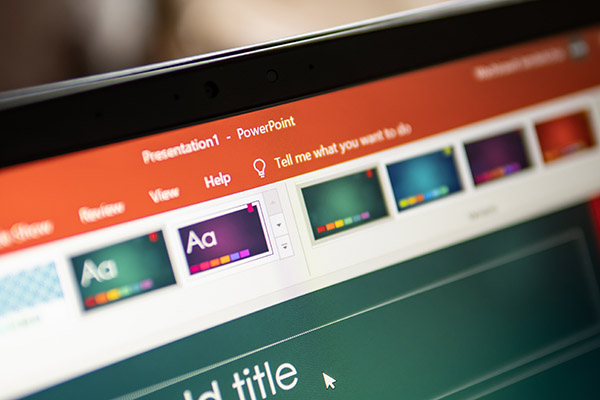
Discover how to create PowerPoint presentations that everyone can enjoy. This session will cover best practices for accessibility and include a live demonstration of PowerPoint’s built-in Accessibility Checker. You’ll also learn practical tips and tools to ensure your presentations are inclusive for all.
When you have completed this resource, keep a record of it so that you can apply for a digital badge! Use these badges to showcase your knowledge and skills with your peers or colleagues. Share them on your LinkedIn profile or add them to your e-mail signature!
*These are available for staff and students only.
This resource counts towards one of four resources that you will need to complete to apply for the following badge(s):