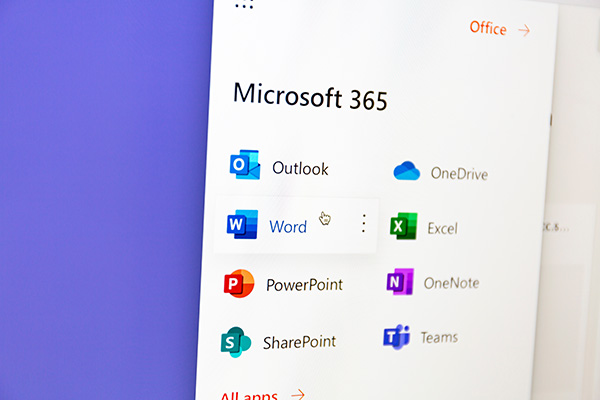
Learn how to install Microsoft Office on your PC.
Please note: As a student, you can use Microsoft Office apps free of charge while studying at the university by signing in with your university account.
Claim your digital badge
When you have completed this resource, keep a record of it so that you can apply for a digital badge! Use these
badges to showcase your knowledge and skills with your peers or colleagues. Share them on your LinkedIn profile
or add them to your e-mail signature!
*These are available for staff and students only.
This resource counts towards one of four resources that you will need to complete to apply for the
following badge(s):
Digital proficiency and productivity
Report a problem
If the link to this resource is no longer working, or if it's out of date, please let us know.