
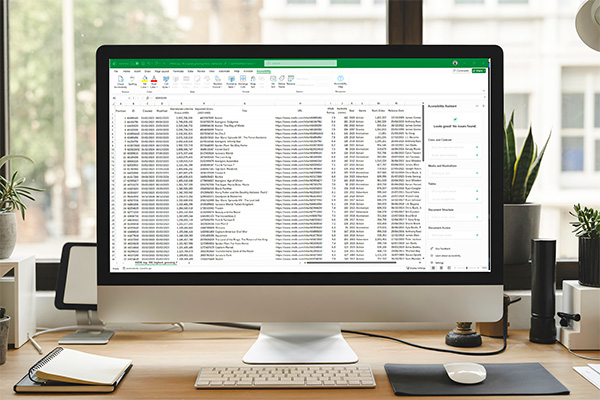
Gwneud eich taenlenni Excel yn hygyrch i bawb. Mae'r adnodd hwn yn cynnig arweiniad clir, cam wrth gam ac arferion gorau i'ch helpu i greu taenlenni cynhwysol. Dysgwch sut i ddefnyddio'r Gwiriwr Hygyrchedd, ychwanegu testun amgen (alt text) at ddelweddau, a dylunio tablau hygyrch. Fe welwch hefyd awgrymiadau ar ddefnyddio templedi, ffontiau a lliwiau i wella darllenadwyedd a sicrhau bod eich cynnwys yn hygyrch i bawb, gan gynnwys pobl ag anableddau.
Pan fyddwch wedi cwblhau'r adnodd hwn, cadwch gofnod ohono fel y gallwch wneud cais am fathodyn digidol! Defnyddiwch y fathodynnau hyn i arddangos eich gwybodaeth a’ch sgiliau gyda’ch cydweithwyr neu’ch cyfoedion. Rhannwch nhw ar eich proffil LinkedIn neu ychwanegwch nhw at eich llofnod e-bost!
*Dim ond ar gael i staff a myfyrwyr yw'r rhain.
Mae'r adnodd hwn yn cyfrif tuag at un o bedwar adnodd y bydd angen i chi eu cwblhau i wneud cais am y bathodyn(nau) canlynol.